


• Live Crypto Prices
  • Crypto News
    • Worldwide
      • Bitcoin
      • Ethereum
      • Altcoin
      • Blockchain
      • Regulation
    • Australian Crypto News
  • Education
    • Cryptocurrency For Beginners
    • Where to Buy Cryptocurrency
    • Where to Store Cryptos
    • Cryptocurrency Tax in Australia 2021
No Result
View All Result
CryptoABC.net
No Result
View All Result

Streamline Video Subtitles with AssemblyAI and Zapier Integration

August 6, 2024
in Blockchain
Reading Time: 3min read
0 0
A A
0
Bitcoin Addresses Holding Between 100 and 10,000 BTC Hit a 7-Week High
0
SHARES
13
VIEWS
ShareShareShareShareShare


James Ding
Aug 06, 2024 06:56

Learn how to generate subtitles for videos using AssemblyAI and Zapier. Follow a step-by-step guide to transcribe videos and upload subtitles to Google Drive.


AssemblyAI, a leading provider of speech-to-text services, has unveiled a new integration with Zapier, enabling users to generate subtitles for their videos seamlessly. This tutorial covers the process of transcribing videos, generating SRT subtitles, and uploading them to Google Drive using the AssemblyAI app for Zapier.

Prerequisites

To follow this tutorial, users need an AssemblyAI account and a Zapier account. The AssemblyAI app can be accessed via the Zapier dashboard.

Create Your Zap

To begin, log into your Zapier account and create a new Zap. This can be done by selecting the ‘Create Zap’ option from the dashboard. The first step involves setting up a trigger.

Log into your Zapier account and create a new Zap.
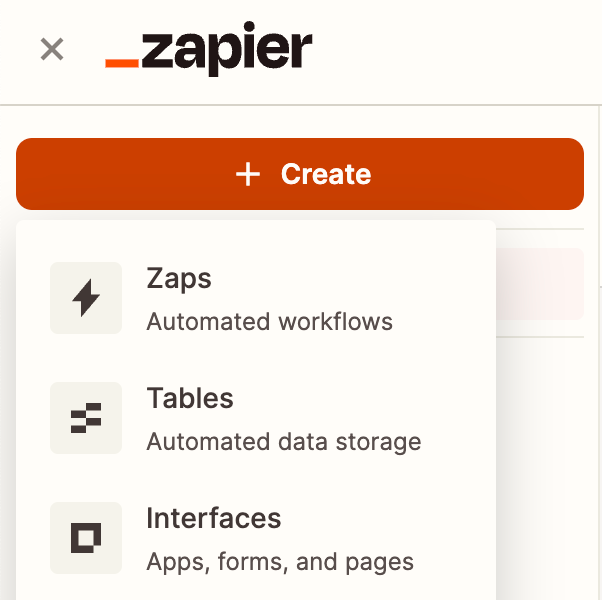
1_Create_Zap.png

Configure Trigger

Select the ‘Zapier Chrome extension’ as the trigger to enable manual execution of the Zap. Choose ‘New Push’ as the event, and add two input fields: ‘Video File’ for the video URL and ‘Subtitles File Name’ for naming the subtitles file in Google Drive.

2_Trigger_Select.png

Transcribe Audio

In the next step, add an action and search for the AssemblyAI app. Select the ‘Transcribe’ event. If this is the first time using AssemblyAI with Zapier, a new connection must be created using the AssemblyAI API key. After configuring the connection, map the ‘Video File’ field from the trigger to the ‘Audio File’ field and set the ‘Language Code’ or enable ‘Language Detection’.
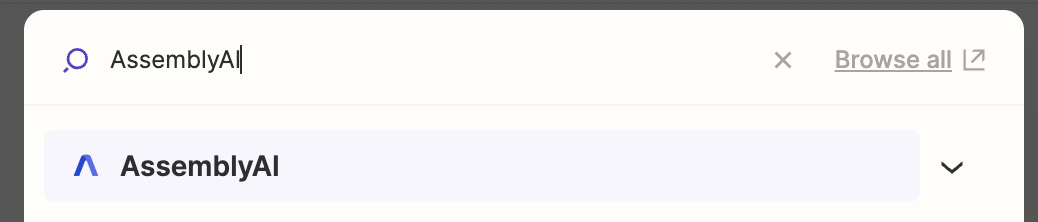
7_Transcribe_Select.png

Generate Subtitles

Add another action, select the AssemblyAI app, and choose the ‘Get Transcript Subtitles’ event. Use the ‘ID’ field from the transcribe step as the ‘Transcript ID’. Test the action to ensure it returns sample data during testing.
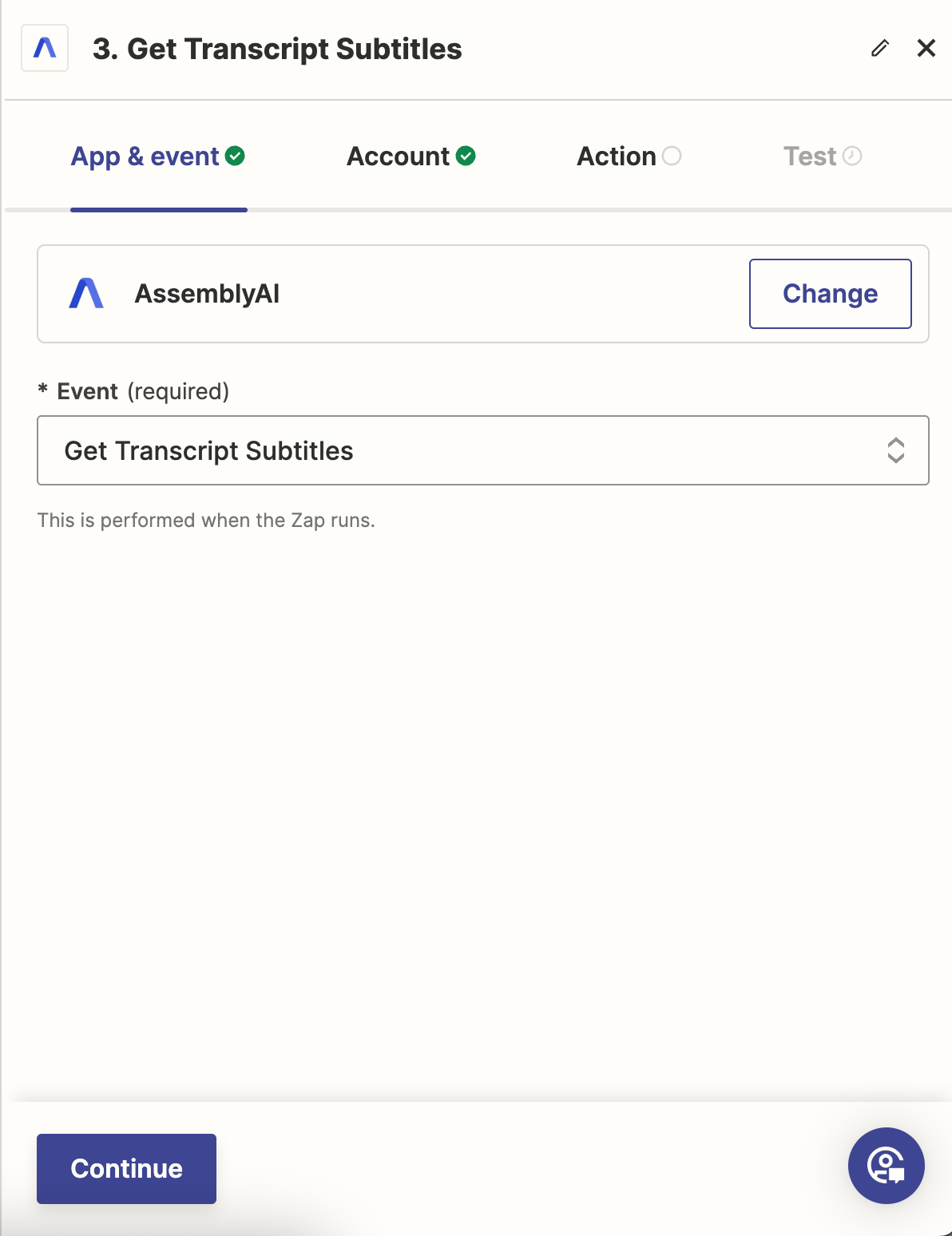
11_Subtitles_App_Event.png

Upload Subtitles to Google Drive

Finally, add an action to upload the subtitles to Google Drive. Select the ‘Create File From Text’ event, configure the connection to Google Drive, and map the ‘Subtitles File Name’ and ‘Subtitles’ fields accordingly. Test the action and publish the Zap.
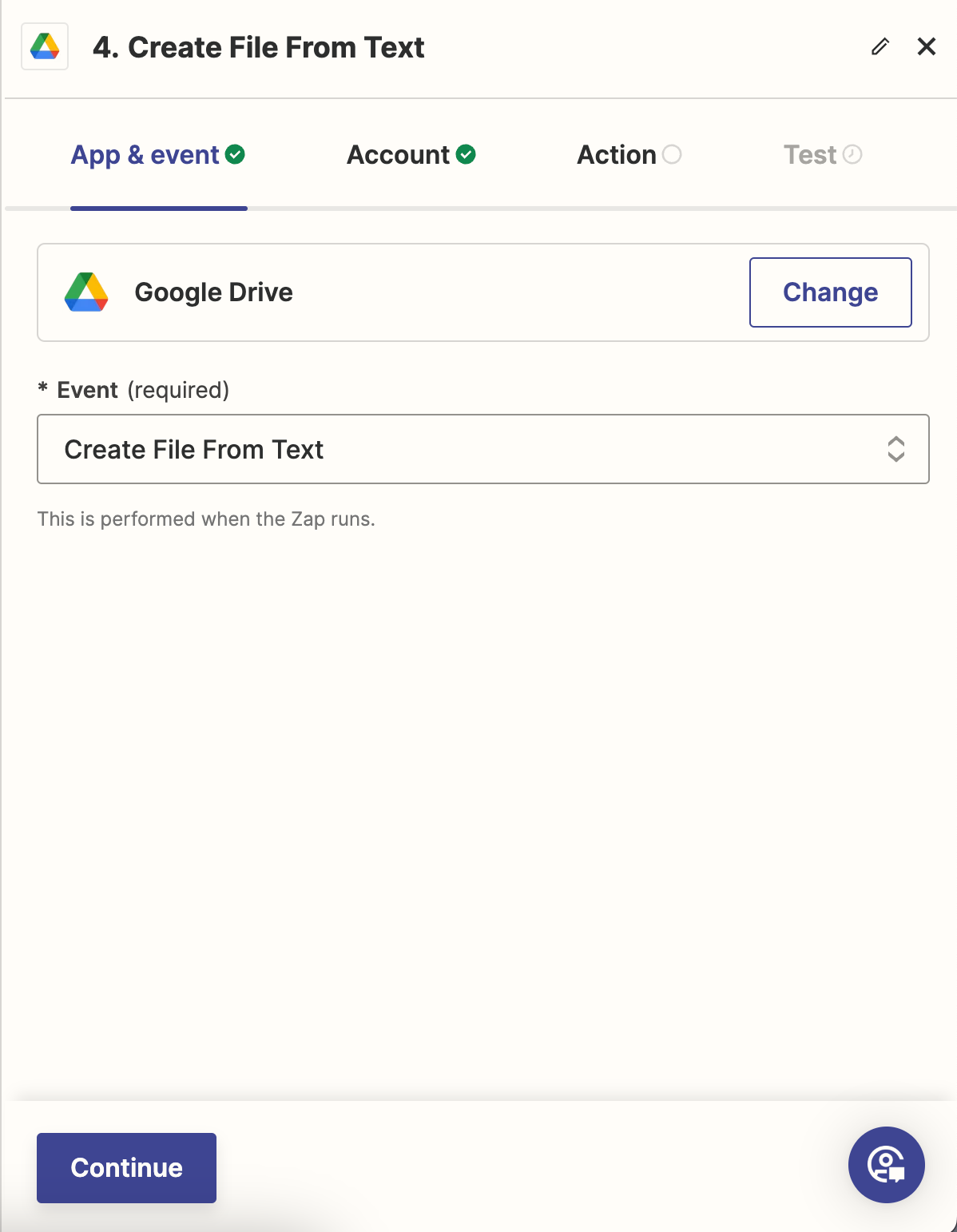
13_Drive_App_Event.png

Run Your Zap

To run the Zap, use the Zapier Chrome extension. Fill out the fields with your video URL and subtitles file name, then click ‘Send’. The subtitles file will appear in Google Drive shortly after the Zap runs.
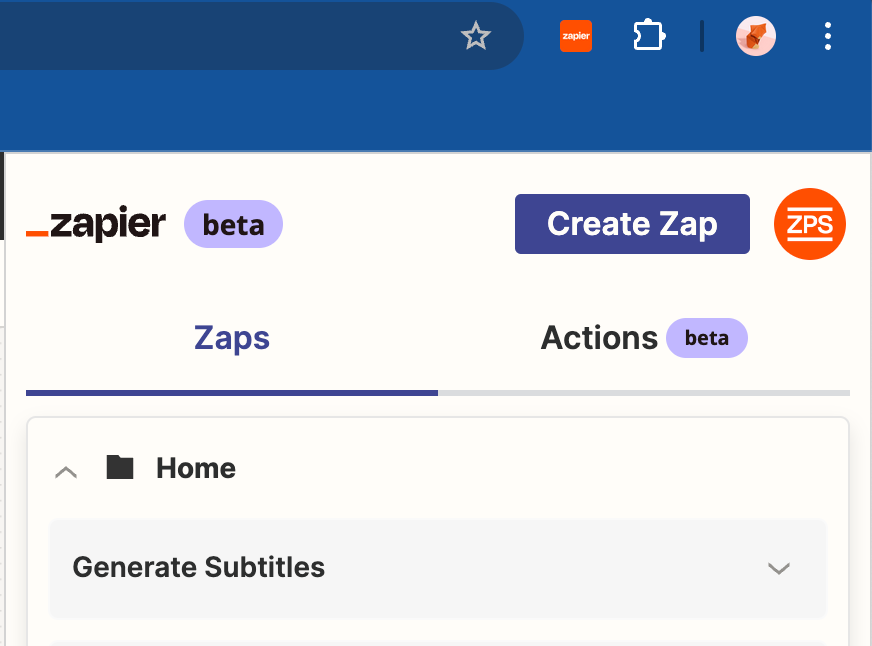
16_Run_Zap_Chrome_Extension.png

Next Steps

With this setup, users can efficiently generate subtitles for their videos using the AssemblyAI and Zapier integration. This powerful combination allows for further customization and integration with other services available on Zapier. For more detailed documentation, visit the AssemblyAI blog.

Image source: Shutterstock


Credit: Source link

ShareTweetSendPinShare
Previous Post

Analyst Warns Bitcoin (BTC) Price Could Drop Another 20%

Next Post

Binance to Implement Major API Updates in September 2024

Next Post
Bailout Might Not the Best Option for Saving Poor Crypto Projects, Says CZ

Binance to Implement Major API Updates in September 2024

You might also like

Trump-Linked Miner American Bitcoin Boosts Treasury to 6,500 BTC

Trump-Linked Miner American Bitcoin Boosts Treasury to 6,500 BTC

March 6, 2026
Kalshi Faces Class Action Lawsuit Over Khamenei Prediction Market Payout

Kalshi Faces Class Action Lawsuit Over Khamenei Prediction Market Payout

March 7, 2026
Uniswap (UNI) Price Rallies 6.53% – Is Now the Time to Buy? Comprehensive Analysis & Trading Insights

WIF Price Prediction: Tests $0.21 Resistance as March Rally Potential Emerges

March 7, 2026
Bitcoin ETFs Bleed $349M In A Day As Whales Dump

Bitcoin ETFs Bleed $349M In A Day As Whales Dump

March 7, 2026
Bitcoin Slumps to $66K as Oil Breakout Adds Macro Pressure

Bitcoin Slumps to $66K as Oil Breakout Adds Macro Pressure

March 9, 2026
Analyst Predicts 1,500% XRP Price Increase To $15 If This Is A Wave 2

Analyst Predicts 1,500% XRP Price Increase To $15 If This Is A Wave 2

March 6, 2026
CryptoABC.net

This is an Australian online news/education portal that aims to provide the latest crypto news, real-time updates, education and reviews within Australia and around the world. Feel free to get in touch with us!

What's New Here!

Standard Chartered Identifies Two Major Catalysts

Ripple Launches $750 Million Share Buyback, Boosting Valuation To $50 Billion

March 11, 2026
Meta Lifts its Crypto Advertisement Banning Policy

Meta Unveils Four Custom MTIA AI Chips Targeting 2027 Deployment

March 11, 2026

Subscribe Now

  • Contact Us
  • Privacy Policy
  • Terms of Use
  • DMCA

© 2021 cryptoabc.net - All rights reserved!

No Result
View All Result
  • Live Crypto Prices
  • Crypto News
    • Worldwide
      • Bitcoin
      • Ethereum
      • Altcoin
      • Blockchain
      • Regulation
    • Australian Crypto News
  • Education
    • Cryptocurrency For Beginners
    • Where to Buy Cryptocurrency
    • Where to Store Cryptos
    • Cryptocurrency Tax in Australia 2021

© 2021 cryptoabc.net - All rights reserved!

Welcome Back!

Login to your account below

Forgotten Password?

Create New Account!

Fill the forms below to register

All fields are required. Log In

Retrieve your password

Please enter your username or email address to reset your password.

Log In
Please enter CoinGecko Free Api Key to get this plugin works.